Apps people love.
8 signals of craft.
Craft is the cheapest moat money can buy. Here are the eight signals that separate forgettable apps from the ones people genuinely love — and tell their friends about.
Craft is what you feel before you can name it
The best mobile apps share a quality users feel immediately but rarely articulate. They feel "polished," "premium," "pleasant to use." When pushed, users will mention specific things — the way a button presses, the smoothness of a transition, the typography on a date. But mostly they say "it just feels right."
That feeling is craft. And craft is one of the cheapest moats a product can build. The competitors copy your features in three months. They never copy the feel.
Here are eight specific signals of high-craft mobile design — the things great teams obsess over and mediocre teams skip.
1. Motion that respects physics
Things in real life don't start and stop instantly. They have weight, momentum, deceleration. Great apps mirror this. A card slides in with subtle deceleration. A sheet bounces just slightly when it hits the top. A delete animation has the deleted item shrink and fade, not just disappear.
The opposite signal: linear motion, instant pop-ins, identical timings on everything. It feels mechanical because it is.
Apple's specifications recommend cubic-bezier easing curves — `(0.16, 1, 0.3, 1)` is a near-perfect general-purpose decelerator. iOS uses a spring physics system that most cross-platform frameworks now support too. Use them.
2. Typography with hierarchy you can read at a glance
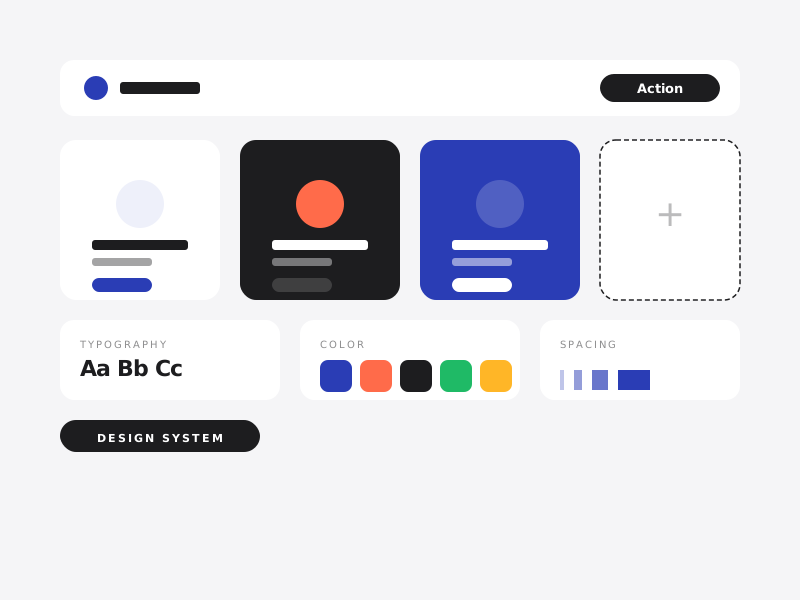
Bad apps use 4 type sizes, all roughly the same. Great apps use 8 sizes with massive contrast between them. The hero number on a fitness app might be 64pt. The label below it might be 11pt. The eye reads the structure instantly.
Real type hierarchy means: a single dominant size per screen, clear secondary text, and tertiary labels in a smaller monospaced or all-caps style with letter-spacing. Distinct enough that the eye groups them as different categories of information.
3. Details that respond to the user, not just to the OS
Tap a button — does it just navigate, or does it acknowledge you? A tiny scale-down on press. A subtle haptic. A color shift. These micro-feedbacks tell the user "I heard you" in the 50ms before the next screen loads. Without them, fast apps feel sluggish; with them, even slow apps feel responsive.
iOS has UIImpactFeedbackGenerator. Android has HapticFeedbackConstants. Use them on every meaningful tap. Your app will feel faster than apps that are technically faster.
4. Empty states that don't feel empty
The first screen a new user sees is often empty by definition — no entries yet, no friends added, no history. Generic apps show a sad icon and "No items." High-craft apps treat empty states as a primary onboarding moment.
A great empty state: a quick illustration, a one-line explanation of what would go here, a clear button to add the first one. Some apps add a tiny Easter egg. The empty state isn't an afterthought — it's the first impression.
5. Onboarding that earns the install
Most users decide whether to delete an app within 90 seconds of opening it for the first time. Onboarding is not "let users explore." It's a five-minute job to deliver one tangible win.
A great mobile onboarding: explain what the app does in 3 screens or fewer, ask for the bare minimum permissions (and only when contextually needed), and route the user to a first action that produces a visible result inside 60 seconds.
The opposite signal: 12 onboarding screens, every permission asked at launch, then dropping the user into a complex empty home screen. Every step you add halves the percentage of users who get to value.
6. Errors that are humble
When something goes wrong, mediocre apps blame the user ("Invalid entry") or themselves vaguely ("Something went wrong"). High-craft apps explain what happened, what the user can do about it, and offer a clear next action.
"Couldn't connect to the server. Check your internet, then tap retry." Better than "Network error."
Even better: many "errors" can be silently retried in the background without the user ever seeing them. Optimistic UI updates, queued actions when offline, automatic reconnection. The best error message is the one the user never has to read.
7. Performance that feels instant, not just fast
Performance isn't a single number. It's a felt experience. Cold-start time matters, but so does scroll smoothness, tap response, transition timing, image load behaviour. A 60fps app can still feel sluggish if the first paint is too slow. A 30fps app can feel snappy if every tap responds in 16ms.
The targets that matter: cold start under 1.5 seconds, tap-to-feedback under 50ms, scrolling at locked 60fps (or 120fps on supported devices), no jank on transitions. Measure these on real devices in real conditions, not on the latest iPhone over wifi at the office.
8. A coherent worldview
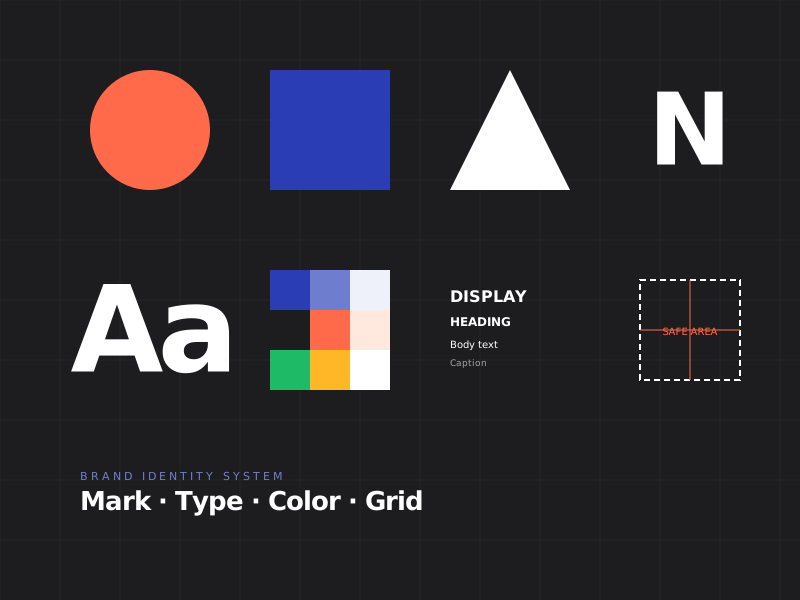
The thing that ties all of the above together: a single coherent design philosophy that runs through every screen.
Linear, the project management app, has it. Every screen feels like part of the same product. Notion has it. Things 3 has it. Most apps don't. Most apps look like they were designed by 7 different designers across 4 years with no shared vocabulary.
Building this coherence requires a real design system — not a Figma library, but written principles for how spacing works, how motion feels, how copy is written, how empty states behave, how errors surface. The design system is the constitution. Everything ladders up to it.
Craft compounds. The first screen is hard. The hundredth screen, with a real system in place, is easy. The compounding is what produces the feeling people pay for and tell their friends about — and the moat that competitors with better features somehow can't seem to cross.